Simple Practice Client Portal is a secure and easy way for you to communicate with your clinician, request appointments, sign documents, and even pay your appointment fees.
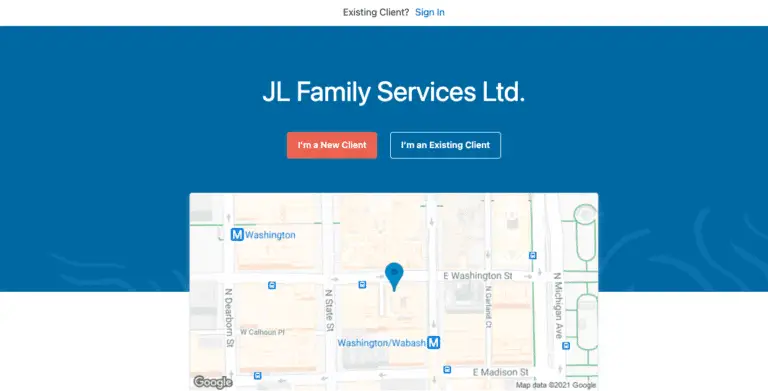
Log-in into the client portal and access the client portal by visiting.
Click the I’m an Existing Client button.
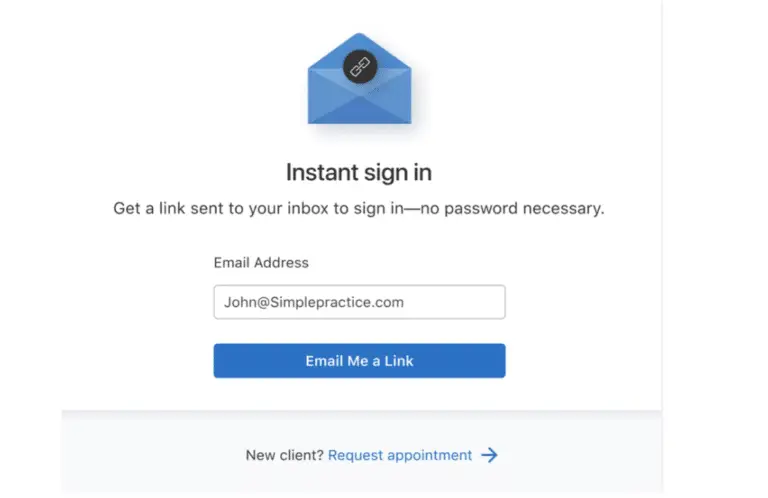
3. Enter the email address associated with your account.
Click Email Me a Link.
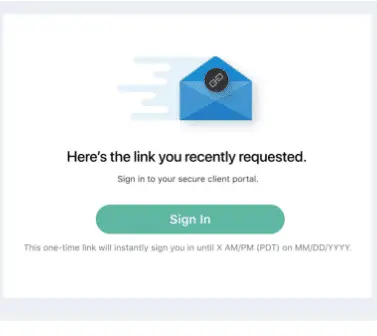
Check your inbox to find the sign-in email. Keep in mind that the link in the email is valid for 24 hours and can only be used to sign in once.
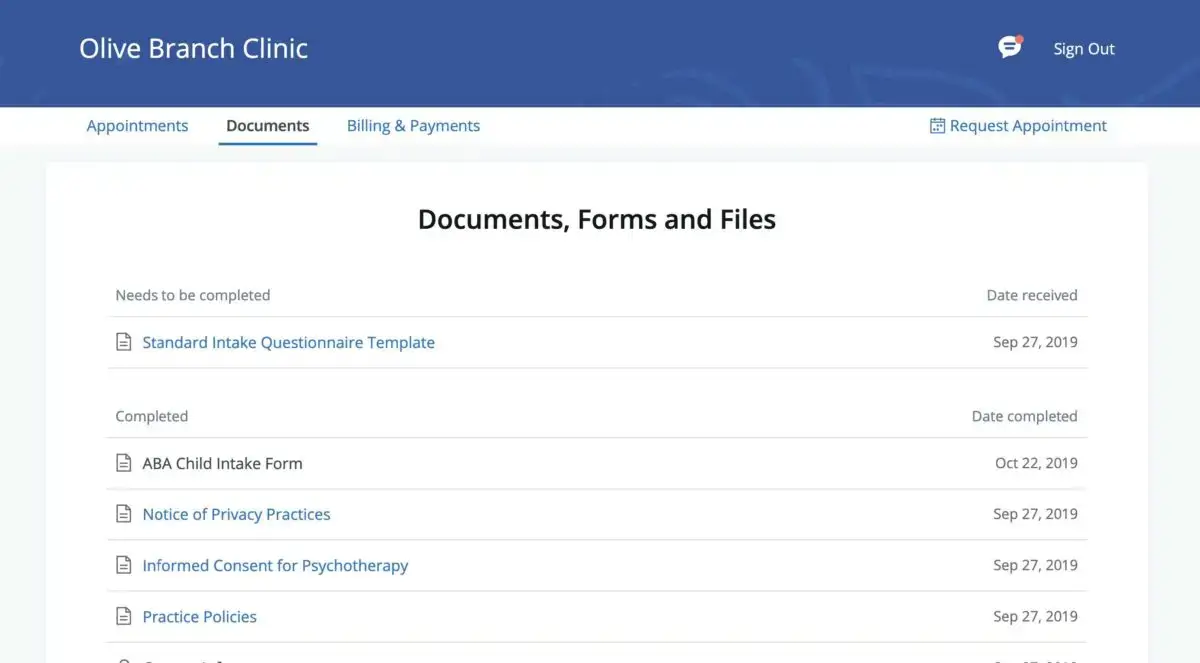
To view your completed documents at any time, navigate to the Documents tab.
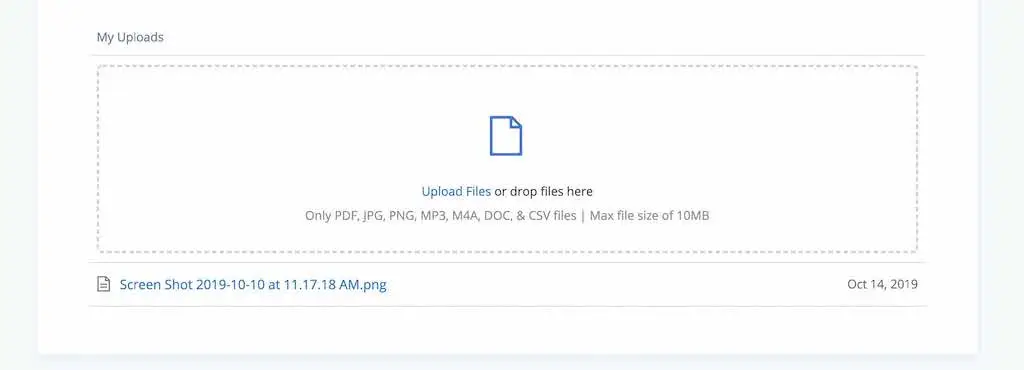
At the bottom of the Documents tab, you will be able to upload files to share with your
clinician, including pdf, jpg, png, mp3, m4a, or csv files You can click to view these at
any time.